-

Cliquez GO pour afficher le guide d'installation
-
View the Charms Bar
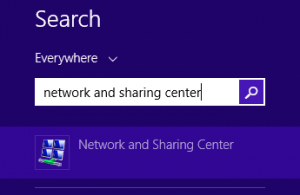
Cliquez Search
-
Type network and sharing center
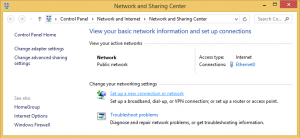
Click on the icon as shown.
-
Cliquez sur Set up a new connection or network
-
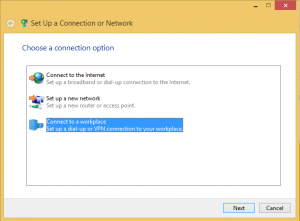
Cliquez Connect to a workplace
-
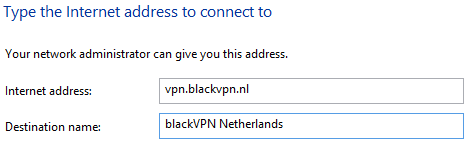
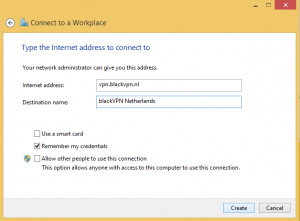
Enter a URL listed below for Internet Address
CANADA: ca.vpn.blackvpn.com
ESTONIA: vpn.blackvpn.ee
LITUANIA: vpn.blackvpn.lt
LUXEMBOURG: vpn.blackvpn.lu
NETHERLANDS: vpn.blackvpn.nl
PANAMA: vpn.blackvpn.com.pa
RUSSIA: vpn.blackvpn.ru
SWITZERLAND: vpn.blackvpn.ch
SINGAPORE: vpn.blackvpn.sg
UKRAINE: vpn.blackvpn.com.ua
Royaume-Uni: vpn.blackvpn.co.uk
USA EAST: eastcoast.vpn.blackvpn.com
USA WEST: westcoast.vpn.blackvpn.com
Enter any name you like
for Destination name
-
Cliquez Create
-
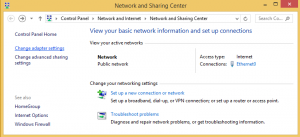
At the Network and Sharing Center
Select Change adaptor settings
-
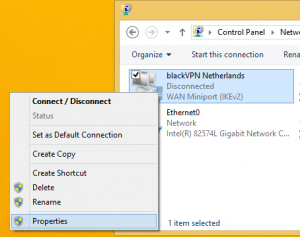
Right-click on your new connection
Select Properties
-
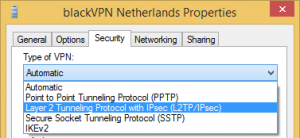
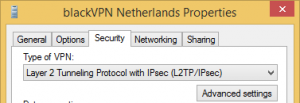
Select the Security tab.
Change the Type of VPN to L2TP/IPsec
-
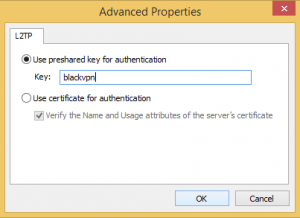
Cliquez Advanced settings
-
Cliquez Use preshared key for authentication.
Enter the Key: blackvpn
Cliquez Dáccord.
-
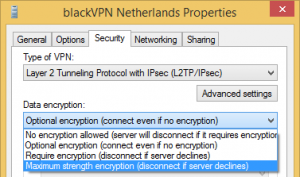
Change the Data encryption to
Maximum strength encryption
-
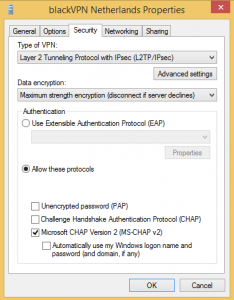
Cliquez Allow these protocols.
MS-CHAP v2
should be selected.
-
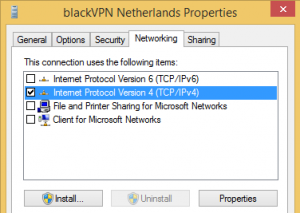
Click the Networking tab.
Uncheck all boxes
except TCP/IPv4.
Cliquez Dáccord to update the VPN.
-
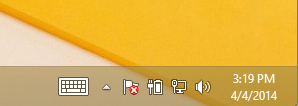
Click the Show Networks icon
in the taskbar at the bottom.
-
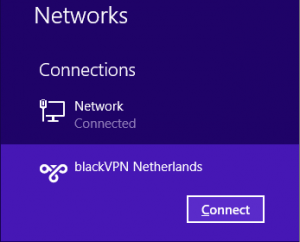
Select the new VPN network.
Cliquez Relier
-
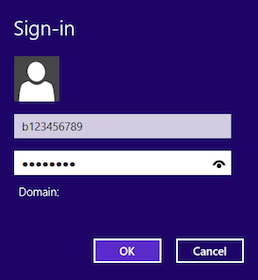
Enter your blackVPN username
et password
Cliquez Dáccord
-
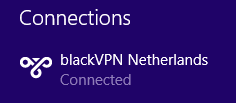
The VPN will start to connect...
In a few moments it will be Connected.
-
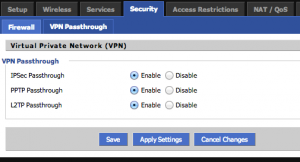
If the VPN fails to connect then probably
you need to check the Security settings
on your router to enable VPN Passthrough.
-
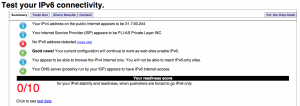
Visiter
test ipv6.com
Si vous avez une adresse IPv6
vous devez
COUPER IPv6 connectivité.
-
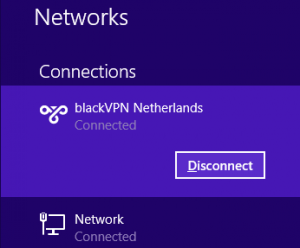
To stop the VPN connection
select the VPN and click Couper