
This guide was created for Ubuntu 14.04 and you may need to do things slightly differently for other Linux variants like ArchLinux or Debian.
-
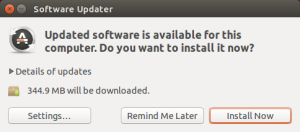
Make sure your system is up-to-date by installing any available updates
-
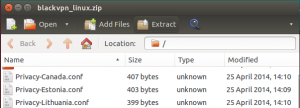
For OpenVPN certificates & config files download blackvpn_linux.zip (MD5) (SHA1)
-
Use the Archive Manager application to extract all files from the .zip file
-
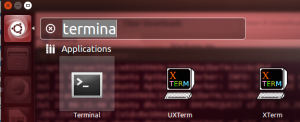
Open the Terminal application
-
To add (or update) OpenVPN and support for the Network Manager enter the following command (will require your administrator password)
-
sudo apt-get install openvpn network-manager-openvpn network-manager-openvpn-gnome

-
-
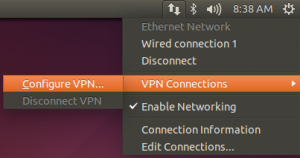
In the menu select the Network Manager -> VPN Connections -> Configure VPN…
-
Click the Add button
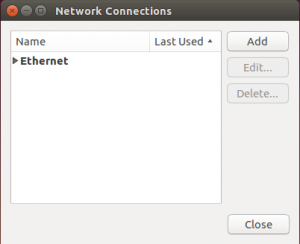
-
Select “Import a saved VPN configuration…” when asked to choose a connection type
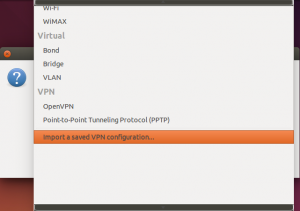
-
Click the Create… button
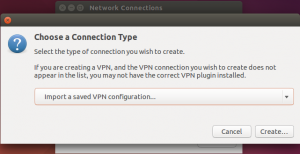
-
Select a .ovpn file from the blackvpn_linux.zip that you extracted earlier.
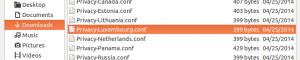
-
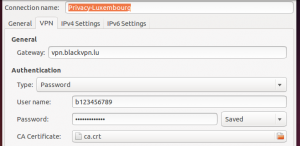
Enter your blackVPN username and password
-
Click Save…
-
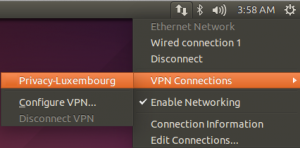
In the menu select the Network Manager -> VPN Connections -> then select the VPN location you just added
-
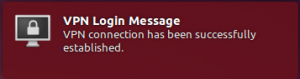
A notification will show that you are now connected to the VPN
-
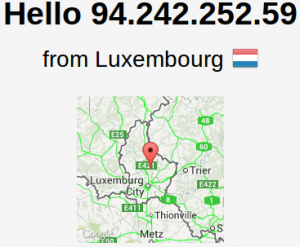
Visit DNSLeakTest.com to verify that your IP address has changed.
-
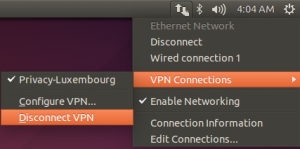
To disconnect the VPN… select the Network Manager -> VPN Connections -> Disconnect VPN
-
Repeat the ADD process from step 6 to add each VPN location you wish to use.