

Installation Movie for Windows 7
Follow these simple steps to install VPN on Windows 7 using the PPTP protocol.
- Click Start menu and then Control Panel.
- Click on “Network and Internet”.

- Choose “View network status and tasks.

- Choose “Set up a new connection or network”.

- Choose “Connect to a workplace”.

- Wählen - Use my internet connection.

- Fill in the server details:
Kanada: ca.vpn.blackvpn.com Estland: vpn.blackvpn.ee Litauen: vpn.blackvpn.lt Luxemburg: vpn.blackvpn.lu Niederlande: vpn.blackvpn.nl Panama: vpn.blackvpn.com.pa Russland: vpn.blackvpn.ru Schweiz: vpn.blackvpn.ch Ukraine: vpn.blackvpn.com.ua Singapur: vpn.blackvpn.sg Vereinigtes Königreich: vpn.blackvpn.co.uk USA Ost: eastcoast.vpn.blackvpn.com USA West: westcoast.vpn.blackvpn.com 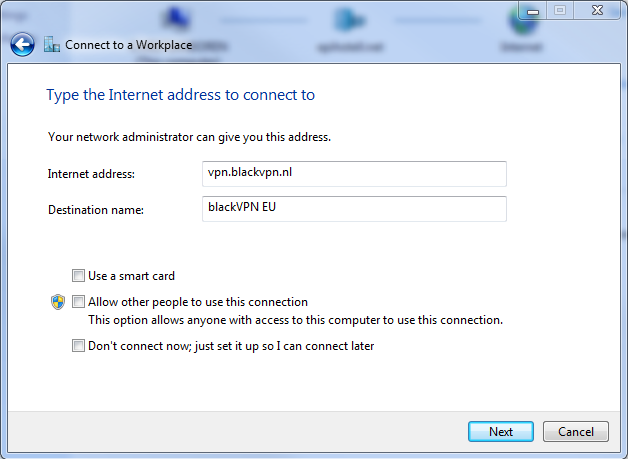
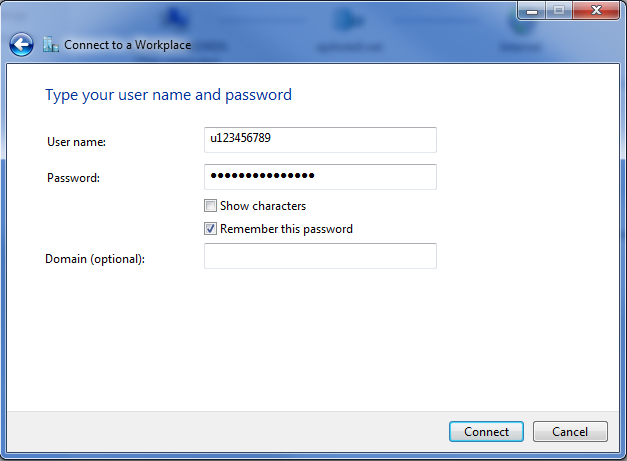
- Fill in your Username and Password:
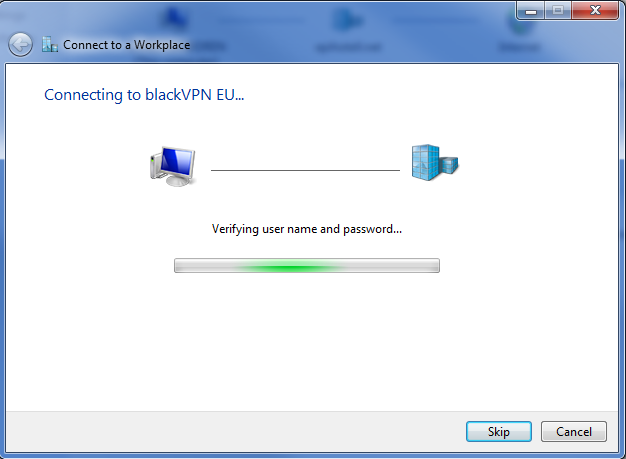
- Your computer will now connect to our servers. This will take a few moments the first time.
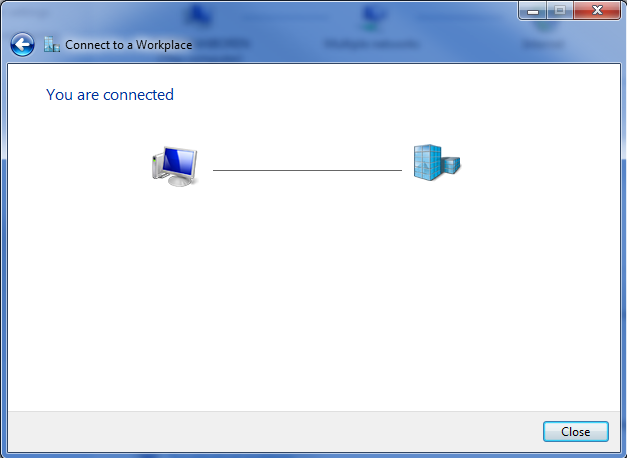
- When it’s complete you will see this screen.
Enjoy!
