












Downloads
 |
blackVPN easy setup for OpenVPN: blackVPN-2.3.6-i686-nopass.exe (md5) |
Advanced Setup
Advanced users can manually install the open source OpenVPN app and manually add the blackVPN configurations files.
 |
Download OpenVPN |
 |
blackVPN Windows config files: blackvpn_windows.zip (md5) |
FAQs
Sehen Sie auch unsere Wissensdatenbank von gängigen Windows- + OpenVPN Fragen.
- ERROR: Authentifizierung fehlgeschlagen
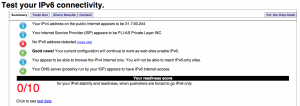
- ERROR: Einige Websites sehen meine echte IPv6-Adresse
- ERROR: Host-Adresse kann nicht aufgelöst werden: vpn.blackvpn.xxx
